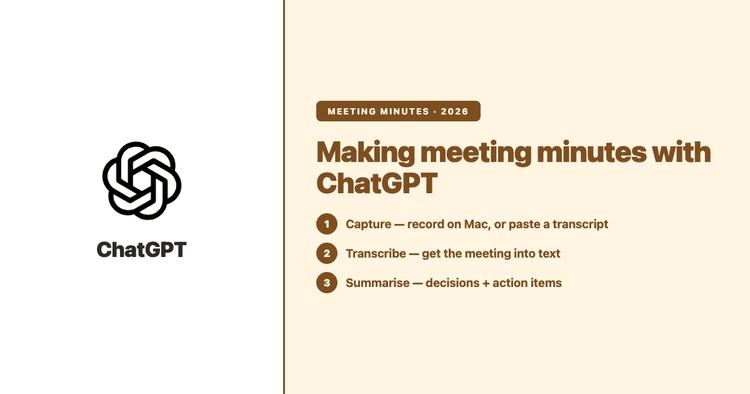
Can ChatGPT Create Meeting Minutes? Yes — Here's How, and Where It Falls Short
Yes — ChatGPT can turn a meeting into minutes, either by summarising a transcript you paste in or with its macOS Record mode. Here's how each works, where each falls short, and when a dedicated transcription tool is the better call.
KKevin Wong
2026-07-22
Meeting Minutes Notes Template (Free) — and How to Stop Typing Them by Hand
A clean, copy-paste meeting minutes template — plus the part most templates skip: how to fill it in minutes instead of typing it up after every call.
KKevin Wong
2026-07-21
Speaker Labels in Transcription: How to Tell Who Said What
Speaker labels turn a wall of text into a readable back-and-forth — Speaker 1, Speaker 2, or real names. Here's how automatic speaker labelling works, how to get it, and where it still needs a human eye.
KKevin Wong
2026-07-21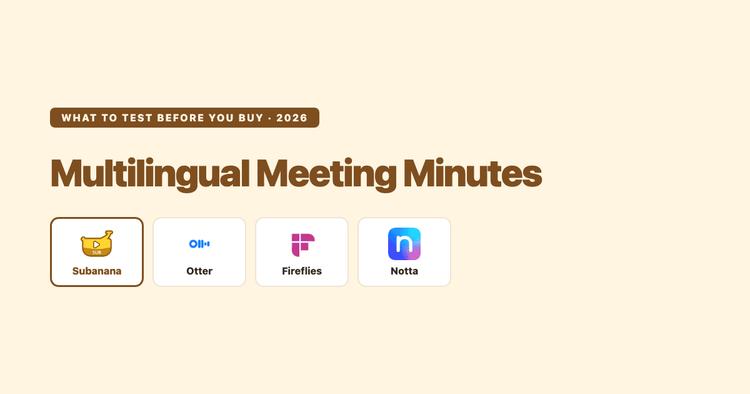
Choosing a Multilingual Meeting Minutes App (2026): Why Language Count Lies, and What to Test Instead
Every meeting tool advertises a language count — 6, 100+, 95+ — and the numbers don't line up because they're self-reported and unaudited. Here's what actually determines whether your non-English or mixed-language meeting transcribes well, and a 20-minute test you can run on your own audio before you pay for anything.
KKevin Wong
2026-07-18
Best Fireflies.ai Alternatives 2026: Honest Roundup by Buyer Profile
A documentation-based roundup of Fireflies.ai alternatives — Otter, Fathom, Descript, Happy Scribe, Rev, and Subanana. When Fireflies is still right, which alternative wins for which buyer, and what the trade-offs are.
KKevin Wong
2026-07-15
Open Captions vs Closed Captions (and SDH): What's the Difference?
Closed captions can be switched off; open captions are burned into the picture and can't. SDH is a third thing again. Here's what each one actually is, what accessibility law (FCC, ADA) and the WCAG standard require, and how to choose — with the definitions sourced to the standards bodies that set them.
KKevin Wong
2026-07-15
AI Note Taker for Microsoft Teams (2026): The Best Options
A documentation-based roundup of the best AI note takers for Microsoft Teams in 2026 — bot vs bot-free capture, free tiers, language coverage, and which one fits your meetings.
KKevin Wong
2026-07-15
How to Transcribe Zoom Meetings: Native Features, Cloud Recordings & Best Alternatives
Transcribe Zoom meetings effortlessly with our expert guide. Explore Zoom's native tools, live captions, editing tips, and FAQs for better records, productivity and inclusivity!
KKevin Wong
2026-07-15
Microsoft Teams Meeting Transcription: Get an Accurate Multilingual Transcript and Summary
Microsoft Teams can transcribe your meetings, but turning that raw transcript into a usable record — decisions, action items, owners — often runs into an admin setting or a paid add-on. Here's exactly what Teams transcription does, where the licensing walls are, and when it's worth using Subanana to get a clean multilingual transcript plus a structured summary instead.
KKevin Wong
2026-07-15
Subanana vs Happy Scribe (2026): A Documentation-Based Comparison
Happy Scribe leads on language breadth and a human-verified transcription option. Subanana leads on harder real-world audio — mixed-language, code-switched, accented, and multi-speaker recordings — plus live multilingual event captioning. Different jobs — here's how to tell which one matches your work.
KKevin Wong
2026-07-15
Subanana vs Supernormal (2026): A Documentation-Based Comparison
Supernormal is a meeting bot for Zoom, Google Meet, and Microsoft Teams with AI-generated notes and CRM integrations. This compares Supernormal and Subanana on pricing, language support, integrations, and AI summary — based on each tool's published documentation.
KKevin Wong
2026-07-15
Speaker Labels in Transcription: How AI Diarization Works (2026)
Speaker labels tell you who said what in a transcript. This guide explains how AI diarization works, where it gets things wrong, and when interviews, meetings, focus groups, and podcasts actually need it.
2026-07-15