
Blog
Latest Articles
Guides on subtitling, transcription and live captions, written by the people building them.
Guides on subtitling, transcription and live captions, written by the people building them.
Stop retyping what was said.
Gemini's "Take notes for me" is a free, zero-setup way to get a summary out of a Google Meet call. Here's exactly what it captures, where it stops, and when a dedicated meeting transcription tool is worth the extra step.
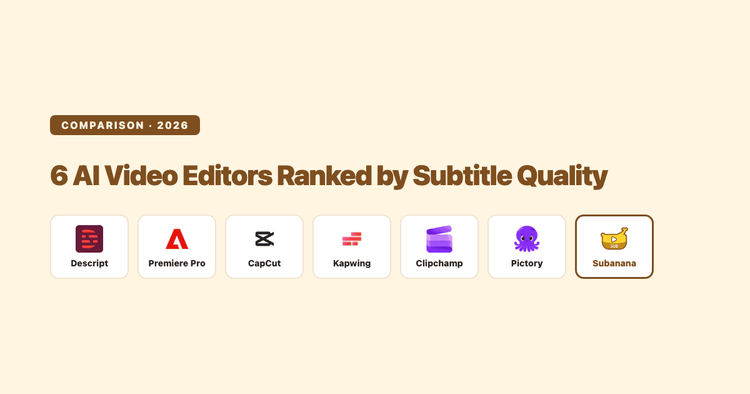
Most AI video editors bundle an auto-caption button, but they differ sharply on speech-recognition language coverage, dialect handling, and how easily you can export a clean subtitle file. Here's an honest, fact-checked comparison of six popular tools ranked specifically on subtitle/caption quality, plus when a dedicated subtitling tool beats a video editor's bolt-on captioner.
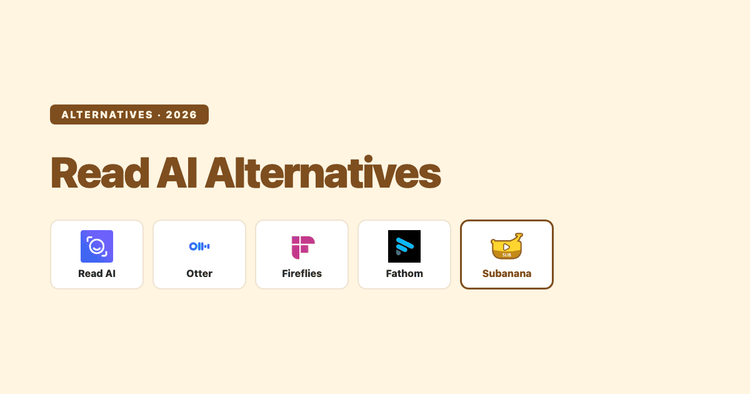
A documentation-based comparison of Read AI against Otter, Fireflies, Fathom, and Subanana, covering pricing, coaching-analytics scope, and capture privacy, sourced from each tool's published pages in September 2026.
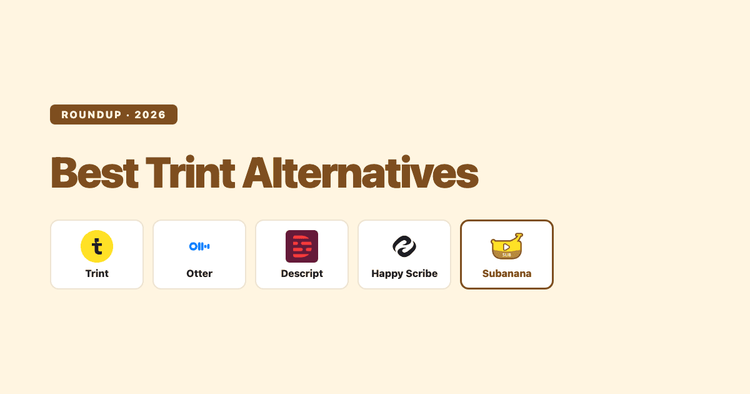
Trint's editor and newsroom workflow are genuinely well built, but its per-seat pricing and lack of a free plan push a lot of buyers to look elsewhere. Here's an honest look at four alternatives, what each is actually good at, and where each one falls short.
Descript can transcribe audio and video, but "speech to text" undersells what it's built for and oversells what the free plan gives you. Here's what it actually does, what it costs once you check the numbers, and where a dedicated transcription tool is the better call.
If you mean the Microsoft Copilot chat box, it does not currently work as a general upload-any-audio-file-and-get-a-transcript tool. Microsoft uses the Copilot name across several products, though. Word has a separate Transcribe feature, Teams Copilot can use meeting audio, and the Microsoft 365 Copilot mobile app has a newer Record feature for voice notes and in-person conversations.
Short answer: not directly, in Fathom's older bot-based experience. Here's Fathom's own workaround, why the limit exists, and what to do if you just want a transcript of a room without a laptop workaround.
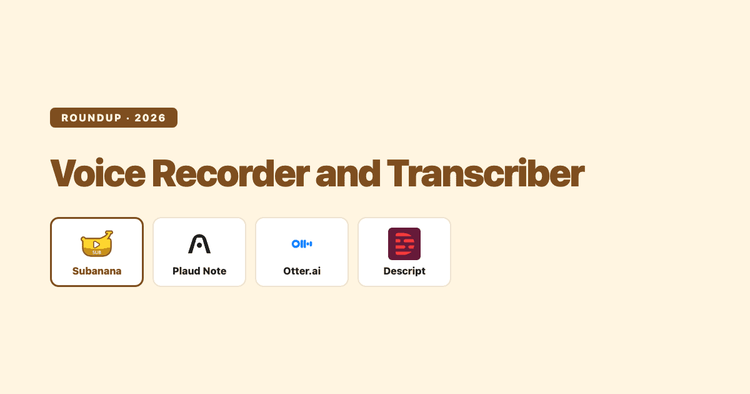
"Voice recorder and transcriber" is really two purchases in disguise: a way to capture audio and a way to turn it into text. Here's how to pick each half without overpaying or overbuying.
Zoom Meeting and Zoom Webinar run the same recording and transcript pipeline underneath. The real difference that decides how clean your post-event transcript turns out is who's allowed to unmute.
A worked example of a podcast transcript: raw speech-to-text output next to the cleaned, published version, plus the speaker-label, timestamp, and file-format conventions that change depending on where you publish it.
Zoom saves your in-meeting chat two ways, manual or auto-save, but either one only captures what people typed. Here's how to get the chat log, and what to do when you need a record of what was actually said.
The same interview recording can turn into three completely different documents depending on the format you pick. Here's what verbatim, cleaned/speaker-labelled, and SRT caption-style transcripts each look like, and when to use which.