
Blog
Latest Articles
Guides on subtitling, transcription and live captions, written by the people building them.
Guides on subtitling, transcription and live captions, written by the people building them.
Stop retyping what was said.
To turn a voice recording into a transcript: get the file off your phone or recorder, run it through automatic transcription, correct the passages your work actually depends on, then export in the format your next tool reads. For interviews, field research, and personal notes, that gives you a searchable working document instead of audio you have to replay.
Translation works on written text; interpretation works on the spoken word in real time. That one distinction explains the whole field — and a third option, AI live captioning, now sits between the two. Here's the plain-English difference, the simultaneous-vs-consecutive split, and how to decide what your event actually needs.
A practical workflow for turning long-form, multi-speaker audio into clean, speaker-labelled transcripts you can actually research and repurpose — and how to tell when AI is enough versus when you need a human pass.
OpenAI's Whisper is a genuinely good open-source speech-to-text model — and you can run it yourself for free. Here's the real step-by-step (pip, Python, the hosted API, and GUI apps), an honest look at where Whisper leaves work on your plate, and how to decide between the DIY route and a managed transcription tool.
Live captioning turns spoken words into on-screen text in real time, as someone is speaking. Here's how it works, how it differs from subtitles and transcription, where AI-automatic captioning beats human CART (and where it doesn't), and how to add multilingual live captions to your next event.
Most audio transcribes cleanly on the first pass. The recordings that don't are the ones that matter for work and research — noisy rooms, strong accents, technical jargon, several people talking. This guide explains what actually drives transcription accuracy on hard audio, then shows how to use Subanana's transcript mode to get a speaker-labelled, punctuated transcript you can quote and cite.
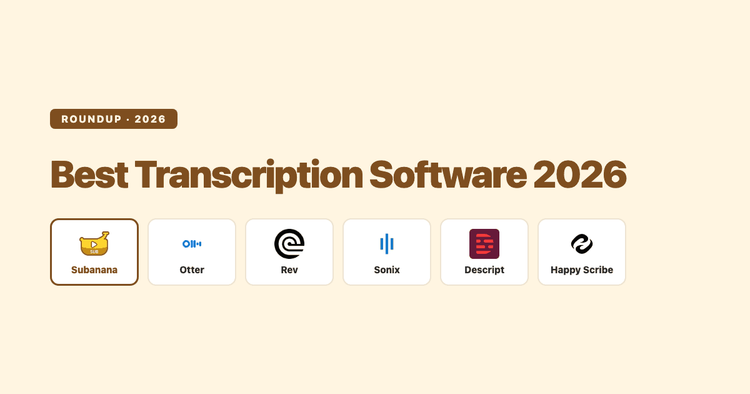
An honest, documentation-based comparison of the best transcription software in 2026 — Otter, Rev, Sonix, Descript, Happy Scribe, and Subanana. Accuracy claims, languages, speaker labels, exports, and price, with a clear note on which one fits which job.
Academic transcription turns lectures, research interviews, and dissertation recordings into text you can quote, code, and cite. This buyer's guide compares manual typing, AI speech-to-text, and human transcription on accuracy, speaker labels, export, and cost — and shows when AI is enough and when it isn't.
Closed captions can be switched off; open captions are burned into the picture and can't. SDH is a third thing again. Here's what each one actually is, what accessibility law (FCC, ADA) and the WCAG standard require, and how to choose — with the definitions sourced to the standards bodies that set them.
Speaker diarization is how AI works out who said what in a recording — automatically labelling each speaker in your transcript. This guide explains how diarization works, why it matters for interviews, meetings and research, and how to get clean, accurate speaker labels.
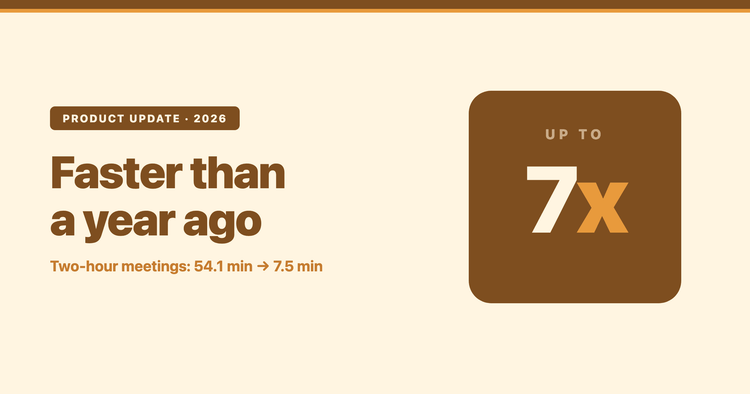
A one-hour meeting recording took 27 minutes to process last July. This July, it took five. Here are the real numbers, the tail as well as the median, and the part that surprised me.
Full verbatim, intelligent (clean) verbatim, or clean read? The transcript format you ask for changes what ends up on the page. Here is what each one keeps, what it drops, and how to pick for legal, research, meetings, and content.