
Blog
Latest Articles
Guides on subtitling, transcription and live captions, written by the people building them.
Guides on subtitling, transcription and live captions, written by the people building them.
Stop retyping what was said.
InShot's built-in auto-captions work fine for clean, single-language audio, but accuracy drops with accents, background noise, or mixed-language speech -- here's how to add subtitles in InShot, and the honest workaround when you need better accuracy.
Copy-ready board meeting minutes templates for corporate and nonprofit boards, plus a motions log, an action register, a filled-in example and the approval steps that turn a draft into the official record.
Plaud is a hardware AI note-taker; Subanana is a browser-only speech-to-text platform. An honest, documentation-based comparison of pricing, exports, and live captioning, including where Plaud genuinely wins.
A free sermon notes template you can copy into any notes app: scripture, big idea, points, application and prayer, plus a kids' version, note-taking tips, and a weekly workflow for church media teams.
Transkriptor is an affordable AI transcription tool for batch audio files, but it falls short if you need structured summaries, flexible export formats, or live event captions. Here is how it compares to Subanana.
Search results give you 4, 5, 6 or 7 "types of interview" depending on who you ask, because they're each counting along a different axis. Here's the real taxonomy, and what each style demands from your recording and transcript.
Gemini's "Take notes for me" is a free, zero-setup way to get a summary out of a Google Meet call. Here's exactly what it captures, where it stops, and when a dedicated meeting transcription tool is worth the extra step.
MacWhisper is a native macOS app with local processing and a one-time license; Subanana is a browser-based cloud platform with meeting intelligence and live multilingual captioning. An honest comparison for 2026.
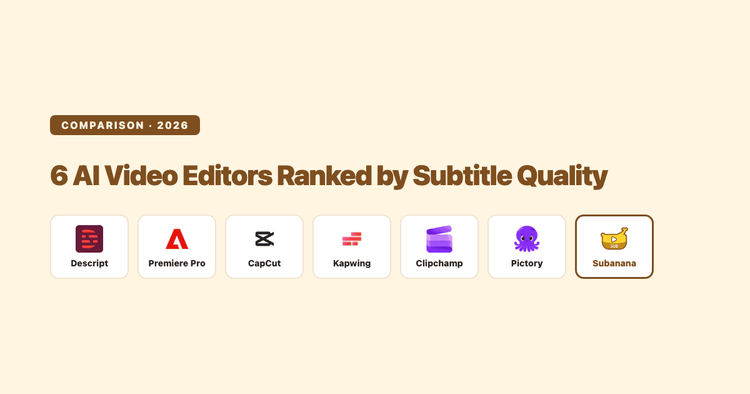
Most AI video editors bundle an auto-caption button, but they differ sharply on speech-recognition language coverage, dialect handling, and how easily you can export a clean subtitle file. Here's an honest, fact-checked comparison of six popular tools ranked specifically on subtitle/caption quality, plus when a dedicated subtitling tool beats a video editor's bolt-on captioner.
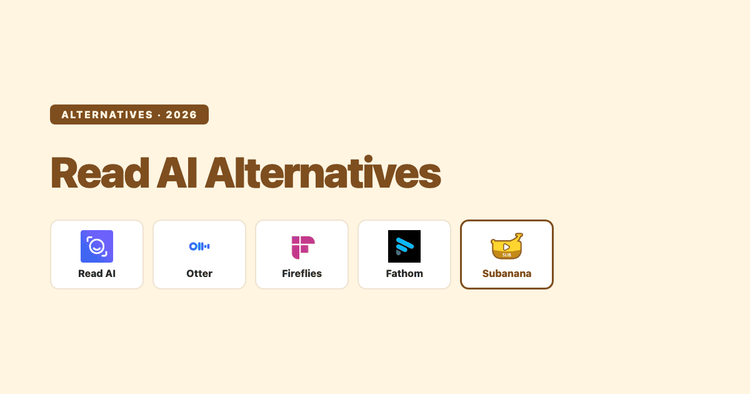
A documentation-based comparison of Read AI against Otter, Fireflies, Fathom, and Subanana, covering pricing, coaching-analytics scope, and capture privacy, sourced from each tool's published pages in September 2026.
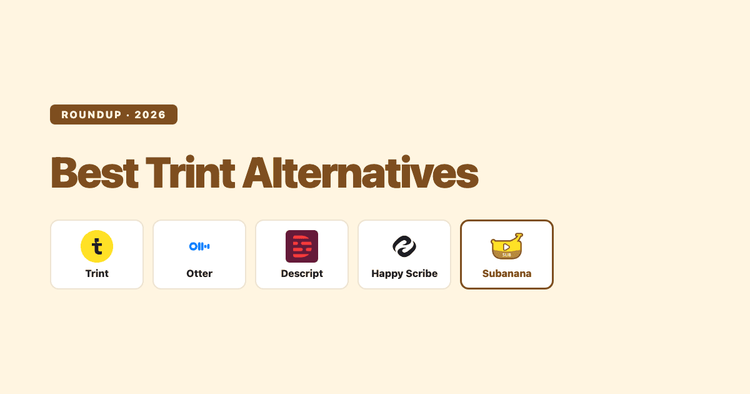
Trint's editor and newsroom workflow are genuinely well built, but its per-seat pricing and lack of a free plan push a lot of buyers to look elsewhere. Here's an honest look at four alternatives, what each is actually good at, and where each one falls short.
Descript can transcribe audio and video, but "speech to text" undersells what it's built for and oversells what the free plan gives you. Here's what it actually does, what it costs once you check the numbers, and where a dedicated transcription tool is the better call.