
Blog
Latest Articles
Guides on subtitling, transcription and live captions, written by the people building them.
Guides on subtitling, transcription and live captions, written by the people building them.
Stop retyping what was said.
A practical guide to recording a Microsoft Teams meeting: native in-call recording, an auto-joining calendar bot, and screen capture as a fallback, plus what to do with the file after.
Attendance plus a one-paragraph summary is what most staff meeting notes contain, and it's why nobody can find last month's decision when it matters. Here's what a recurring staff meeting record actually needs, and how to capture it without typing it up by hand.
Some Mac transcription tools run entirely on your machine; others run in the browser and add translation, glossaries, and export flexibility. Here's what each option is actually good for, checked against each vendor's own pricing and feature pages.
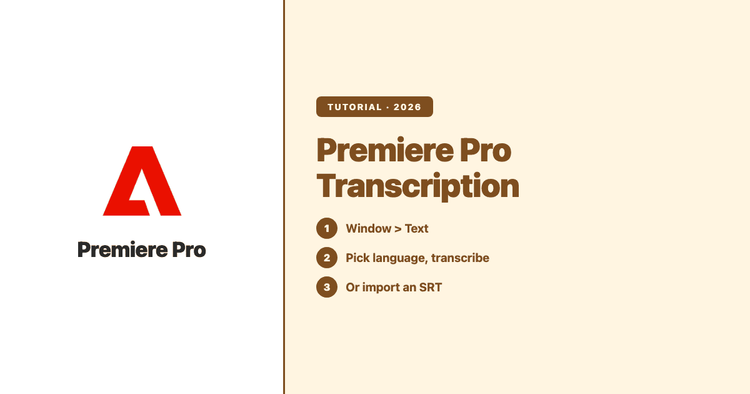
Premiere Pro can transcribe your sequence audio in a few clicks once the right language pack is installed. This guide covers the full workflow from Adobe's own docs, the four things to check when transcription won't run, and the cases where transcribing outside Premiere and importing an SRT is genuinely faster.
The best podcast transcript generator should do more than turn audio into words. It should help you publish accessible transcripts, create searchable show notes, and repurpose each episode faster.
A raw audio transcription is not the same thing as a transcript you can send to a client or submit to a team. Here is a worked example showing how spoken audio becomes readable, speaker-labeled copy.
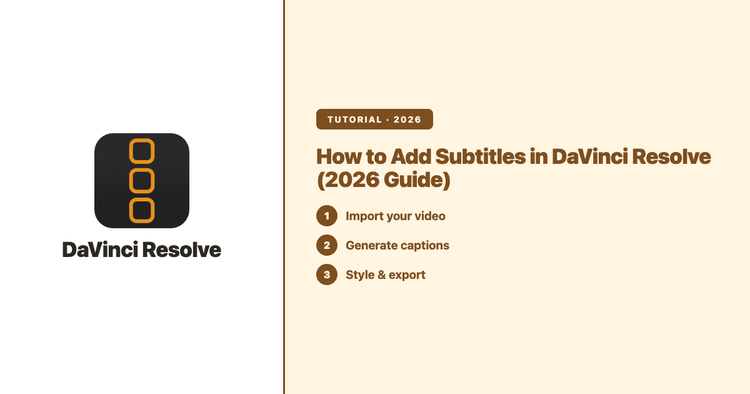
Learn how to add subtitles in DaVinci Resolve with auto-subtitles or by importing a translated SRT, then refine the track using Resolve’s built-in subtitle tools. Translation happens outside Resolve — the workflow takes minutes in a browser.
Human transcription still matters when a record needs legal authority, human accountability, or a formal sign-off. For meetings, podcasts, interviews, and creator content, AI transcription is usually faster, easier to scale, and capable of handling far more of the workflow.
Looking for TurboScribe alternatives usually means one of two things: you want more than file-to-transcript conversion, or TurboScribe’s single-user model does not fit your workflow. I run Subanana, so this is a direct and documented comparison, including the cases where TurboScribe is the better choice.
Speaker labels tell you who said what in a transcript. This guide explains how AI diarization works, where it gets things wrong, and when interviews, meetings, focus groups, and podcasts actually need it.
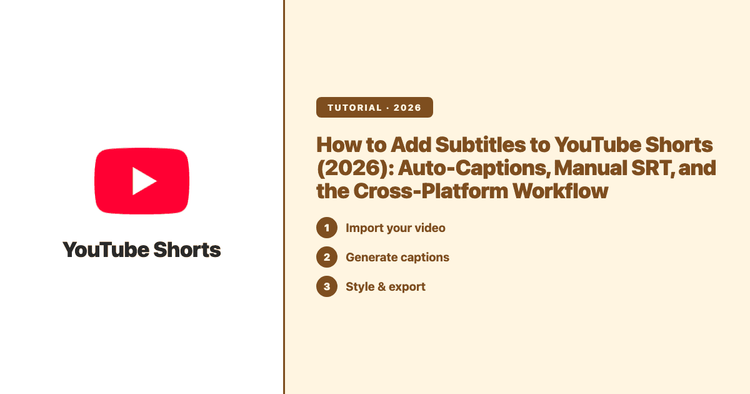
There are three ways to put subtitles on a YouTube Short: let YouTube auto-caption it and edit the result, upload your own caption file, or burn the subtitles into the video before you post. Here are the exact YouTube Studio steps for each, and how to pick.
Captioning is the process of turning a video or event's audio — speech and the non-speech sounds you'd miss with the sound off — into synchronized on-screen text. This is the map of the whole category: the types of captioning, the human-vs-AI methods, and how the modern AI form lets you caption a live event in real time.