
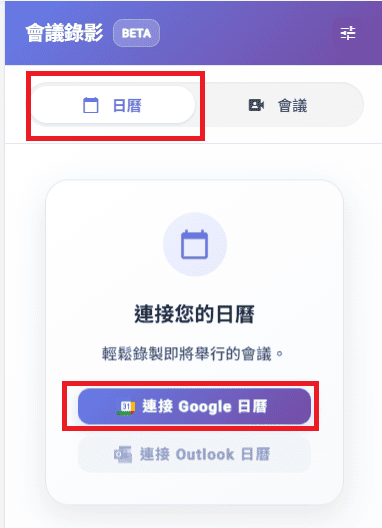
[Meeting Notes] Added the feature to link Google Calendar for automatic scheduling and recording of Google Meet meetings
- You can now link Google Calendar and sync it to Subanana to set up automatic recording schedules for future Google Meet meetings
--------------------------------------------------------------------------
How to use
- On the right side of the meeting notes page, click [Calendar], then click [Connect Google Calendar]
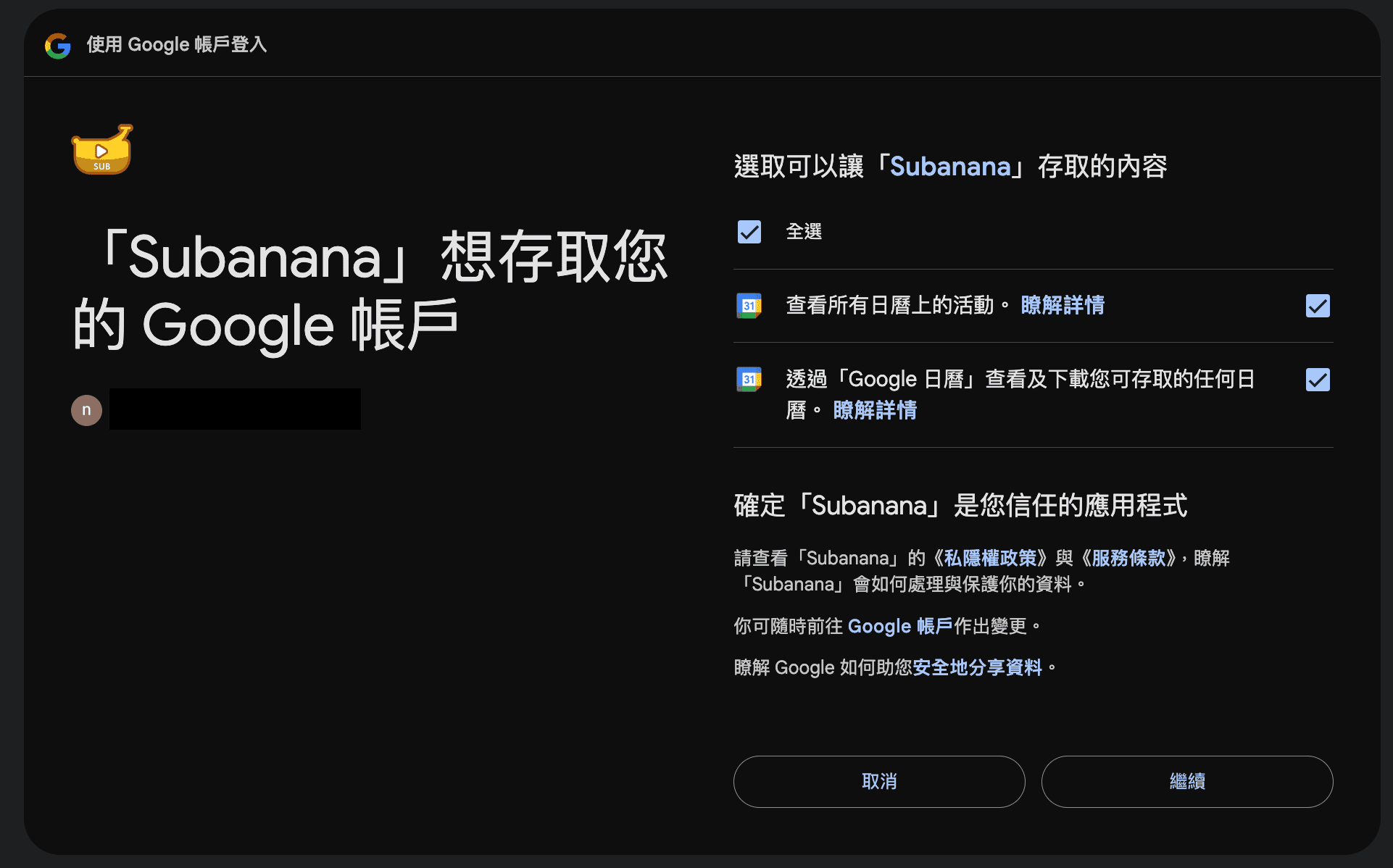
- After logging in, check all items on the right on the Google confirmation page, then click [Continue]
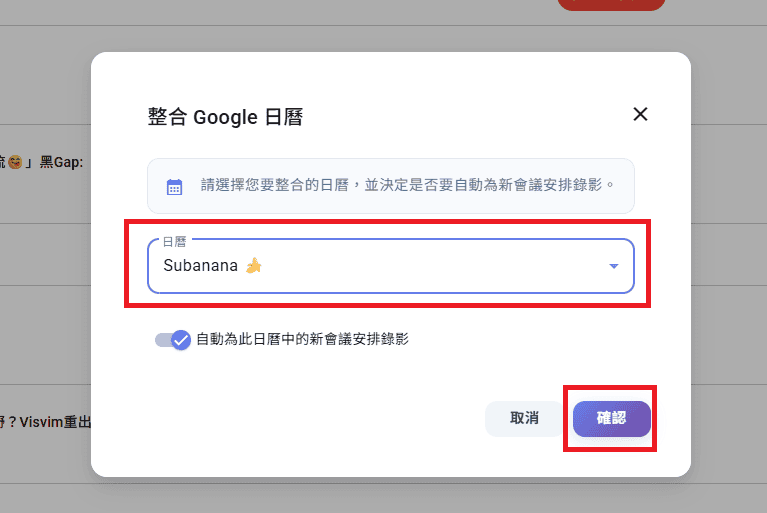
- Select the calendar you want to integrate and link, then click [Confirm]
- In the calendar, you can check meetings as recording schedules as needed
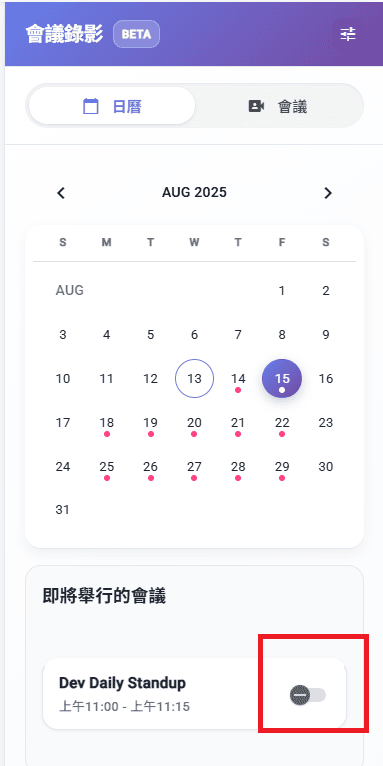
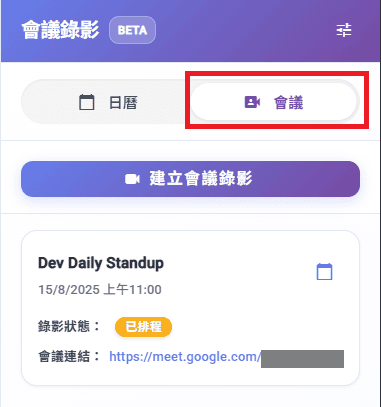
- You can see the scheduled meeting recordings under the [Meetings] section
--------------------------------------------------------------------------
Others:
[Meeting Notes] Improved translation output for meeting notes
[Meeting Notes] Meeting notes summary AI now provides more accurate and detailed generated content when outputting timeline-related information
Try Subanana freeNo card required.