
TL;DR
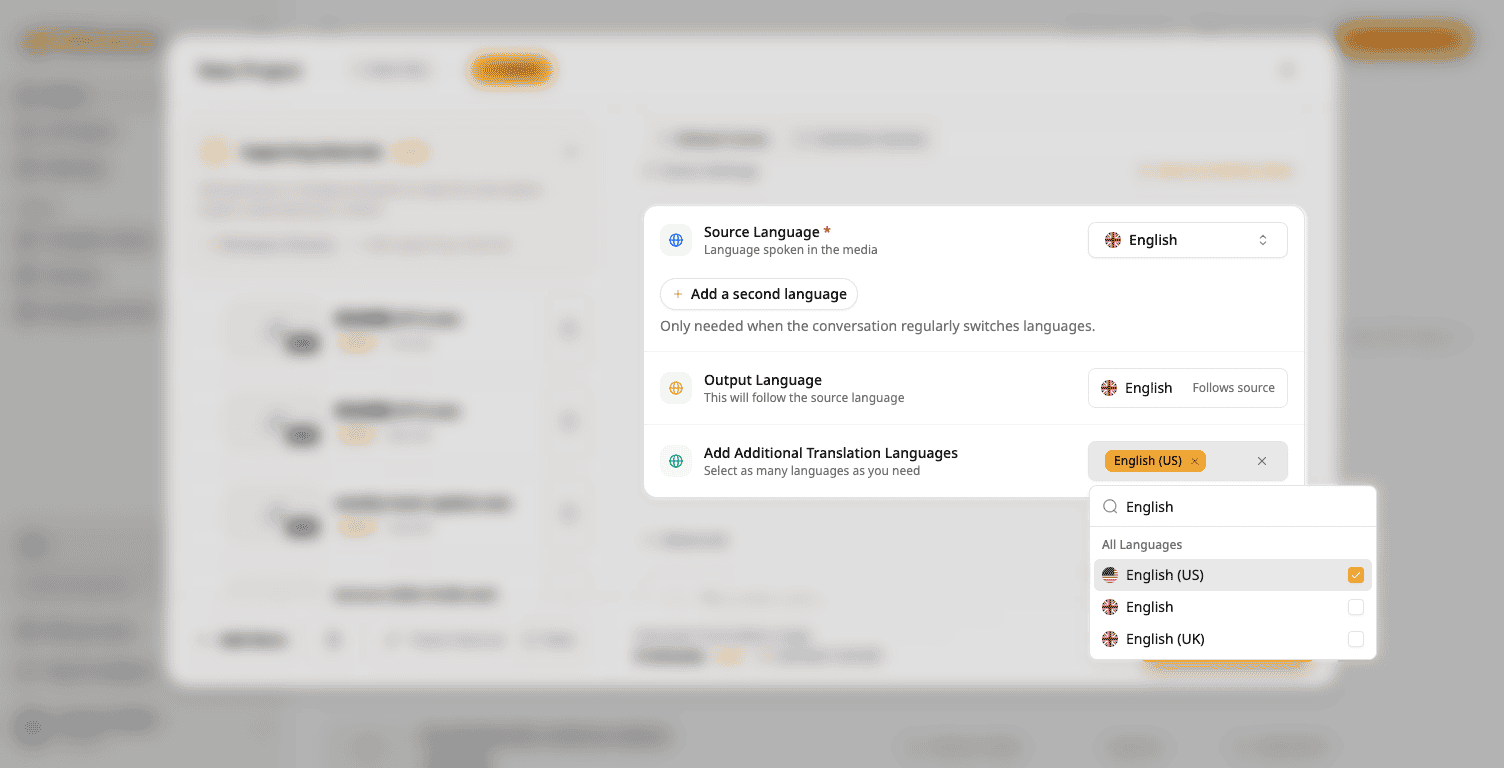
- Translate into English (US) or English (UK), not just generic English.
- Pick both to get a US and a UK version from one project.
- Content that is already in English can get a US or UK version too.
How it works
- Click New Project and add your file.
- Under Add Additional Translation Languages, pick English (US), English (UK), or both.
- Click Start Generation.
Good to know
- US and UK English are translation languages only. You cannot pick them as the source language.
- Names, quotes, numbers and units stay as they are.
- Your usual limit on translation languages still applies.
To try it: click New Project and open Add Additional Translation Languages.
Try Subanana freeNo card required.