
TL;DR
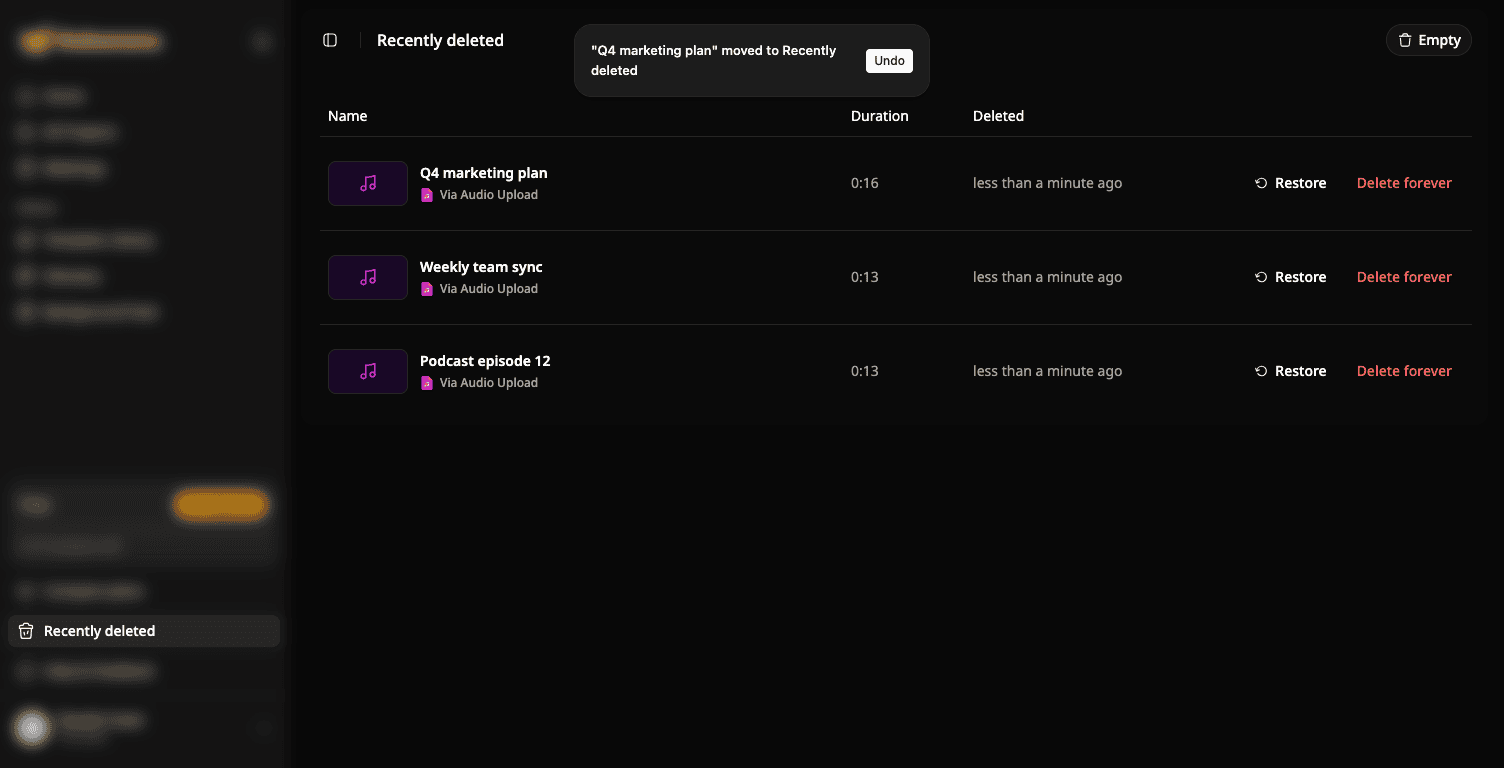
- Deleted the wrong project? Click Undo in the message that appears.
- Missed the message? Deleted projects and folders wait in Recently deleted, ready to restore.
How it works
- Click Delete on a project or folder. It moves to Recently deleted, and a message with Undo shows for a few seconds.
- To get it back later, open Recently deleted in the sidebar and click Restore.
- To remove something for good, click Delete forever. Empty clears the whole list.
Good to know
- A restored folder comes back with all its projects.
- Delete forever and Empty cannot be undone.
To try it: open Recently deleted in the sidebar.
Try Subanana freeNo card required.