
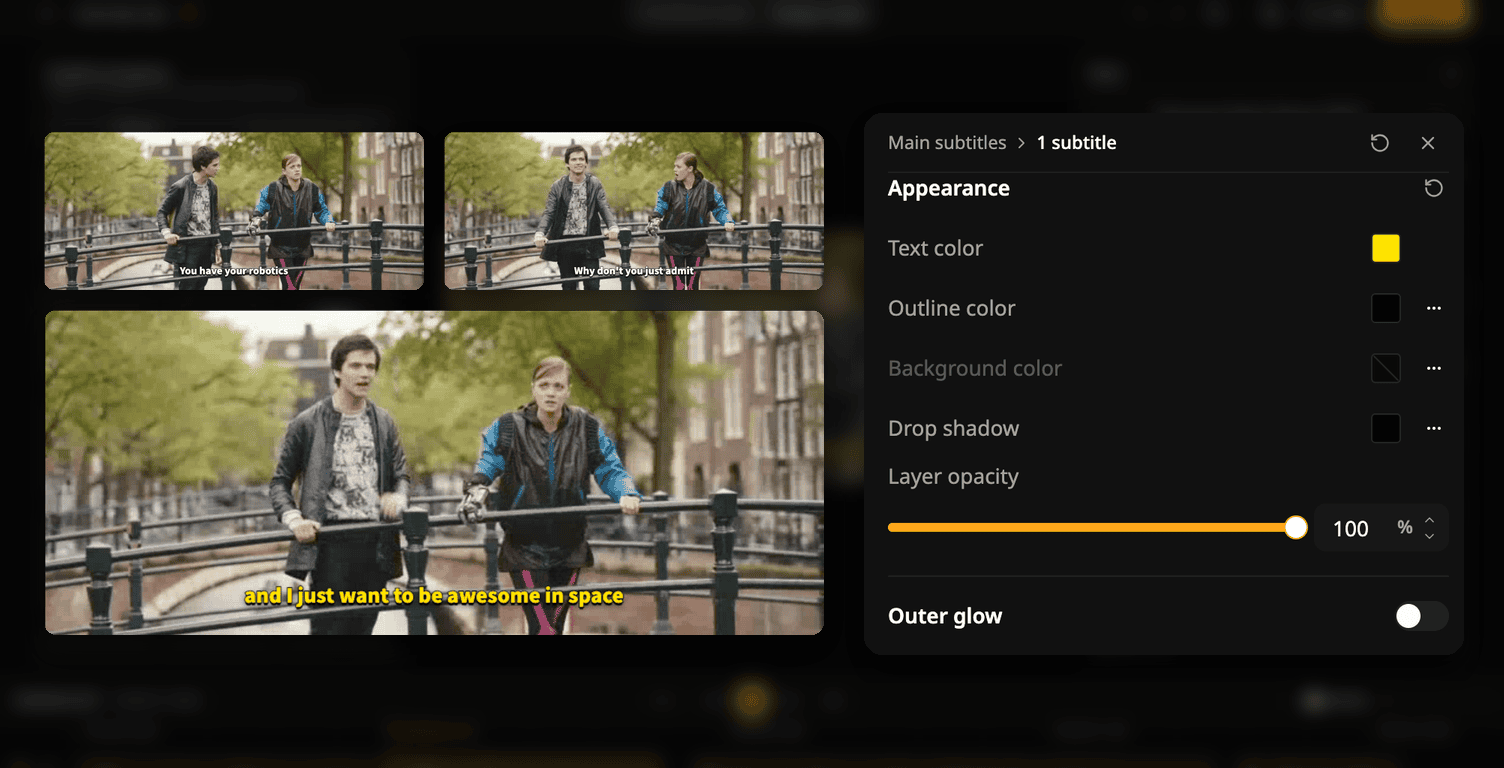
TL;DR
- Style one subtitle line or many: font, size, colors, effects, and position.
- Only the selected lines change. The rest keep the project style.
- The changes show in the preview and in exported videos.
How it works
- Select one line on the timeline, or several with Shift-click or Cmd/Ctrl-click.
- Change the font, size, colors, effects, or position. Only the selected lines change, in one undo step.
- When the selected lines differ, the setting shows Mixed.
Lines with their own style keep it in the preview and in exported videos.
To try it: open a project in Design mode and select a line on the timeline.
Cover video: Tears of Steel, (CC) Blender Foundation | mango.blender.org
Try Subanana freeNo card required.