
TL;DR
- Upload from phone: scan a QR code in the upload drawer and add video or audio from your phone.
- The phone does not need to sign in.
- Files appear on your computer when they finish uploading, ready to set up.
How it works
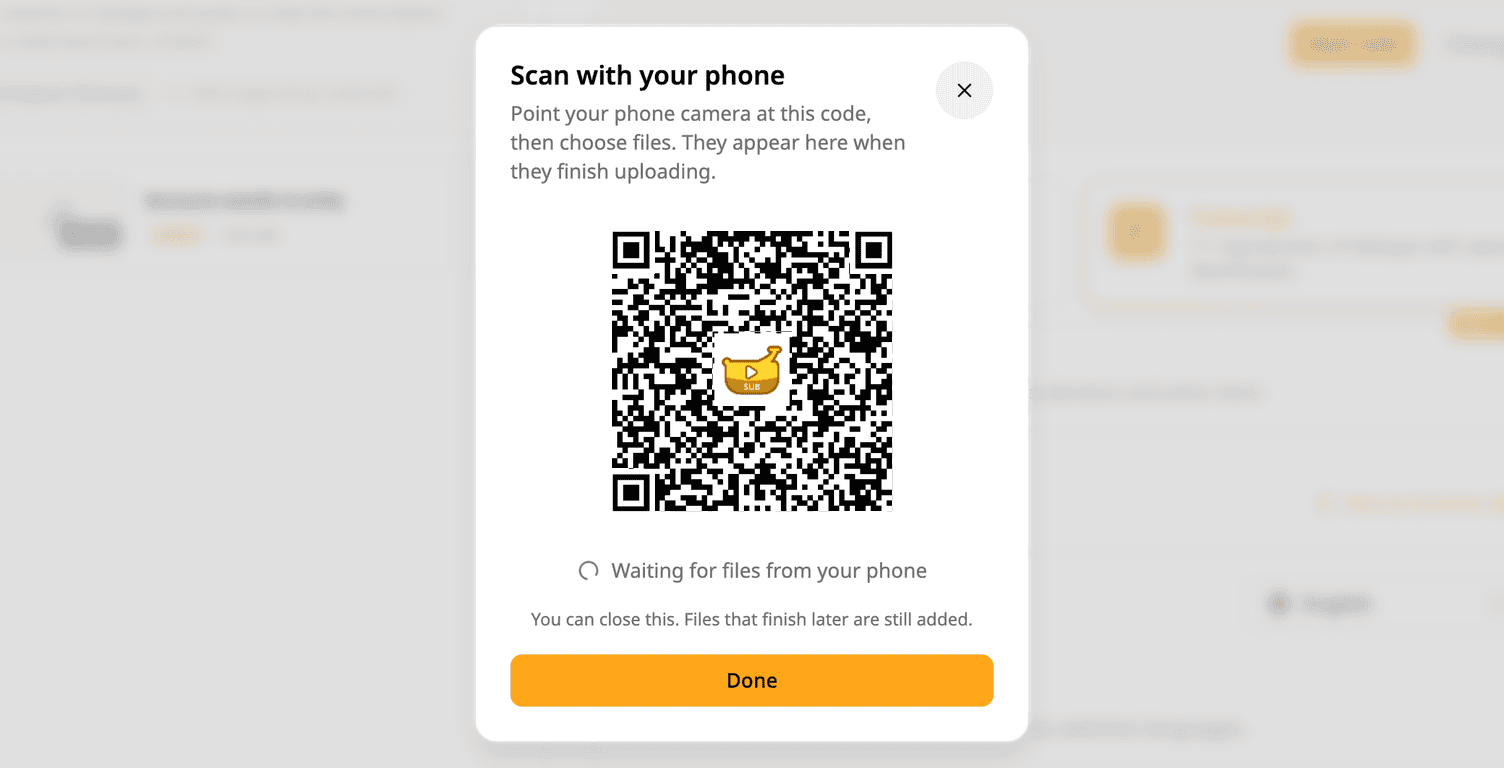
- Open the upload drawer on your computer and pick Upload from phone.
- Point your phone camera at the QR code, then choose files.
- The files appear on your computer when they finish uploading, ready to set up.
The link works for 90 minutes, or until you close the drawer.
To try it: open the upload drawer and pick Upload from phone.
Try Subanana freeNo card required.