
ब्लॉग
नवीनतम लेख
सबटाइटलिंग, ट्रांसक्रिप्शन और लाइव कैप्शन पर गाइड — उन्हीं लोगों द्वारा लिखे गए जो इन्हें बनाते हैं।
सबटाइटलिंग, ट्रांसक्रिप्शन और लाइव कैप्शन पर गाइड — उन्हीं लोगों द्वारा लिखे गए जो इन्हें बनाते हैं।
जो कहा गया उसे दोबारा टाइप करना बंद करें।
इस भाषा में अभी कोई लेख नहीं है। ये रहे अंग्रेज़ी में हमारे नवीनतम गाइड।
A practical guide to live captioning university lectures for accessibility and multilingual student audiences — what universities actually need from a live-caption tool, how the setup works, and where Subanana, Wordly, and the lecture-platform-native options each fit.

To translate a video, transcribe its speech, then generate translated subtitles in your target language — and export them as an SRT file or a burned-in video. This guide walks through the full workflow, when AI translation is good enough versus when it needs a human edit, and how to do it for one or several languages at once.
Most webinar platforms support captions in the speaker's language. Reaching an international audience that needs captions in their own language is a different problem — and one that's gotten much more practical to solve since 2024. Here's how to actually set it up before your next webinar.
In the modern world of digital media, videos are an extremely important form of content, and adding subtitles to your videos can bring multiple benefits. Whether or not you have the habit of adding subtitles to your video content, you should consider adding them to your videos.
Fireflies leans CRM-native with conversation intelligence; Subanana leans multilingual with user-selectable summary models. Comparing what each tool publishes about itself, without invented benchmarks.
A documentation-based roundup of seven meeting transcription tools — Otter, Fireflies, Fathom, Descript, Happy Scribe, Rev, and Subanana. Pricing, language coverage, integrations, and the buyer profile each fits. Sourced from each tool's published pages in May 2026.
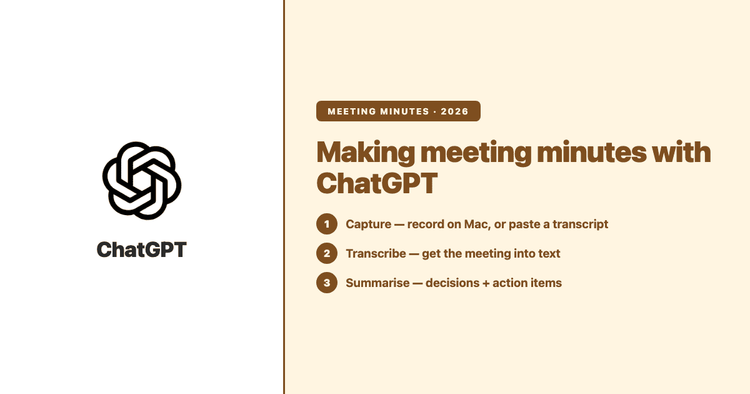
Yes — ChatGPT can turn a meeting into minutes, either by summarising a transcript you paste in or with its macOS Record mode. Here's how each works, where each falls short, and when a dedicated transcription tool is the better call.

Built-in Zoom / Google Meet captions cover the basics for an English-only meeting. They don't cover the harder case: a conference with attendees who speak different languages, where each person needs the live captions in their own language on their own device. Here's how that actually works, and the tools that make it practical without a five-figure enterprise contract.
ClovaNote is NAVER's popular free note-taker, but it transcribes only Korean, English, Japanese and Chinese. If you need more languages, a Western meeting ecosystem, or higher paid limits, here are six alternatives compared on the facts that matter — languages, free tiers and meeting-bot coverage.
Transcribe Zoom meetings effortlessly with our expert guide. Explore Zoom's native tools, live captions, editing tips, and FAQs for better records, productivity and inclusivity!
Zoom can transcribe your meetings, but the good transcript is locked behind a paid plan and cloud recording, the summary needs AI Companion, and a recent change means you can no longer save the live captions. Here's exactly what Zoom does on its own, where the walls are, and how to record a call and turn it into a clean multilingual transcript plus a structured summary in Subanana.

Rev is the established enterprise transcription incumbent — human-verified accuracy, HIPAA + CJIS compliance, broad enterprise integrations. Subanana plays narrower: multilingual transcription tuned for code-switched and Asian-language audio, plus live multilingual event captions. Different tools for different jobs.