
Блог
Останні публікації
Посібники про субтитрування, транскрипцію та живі субтитри — від людей, які їх створюють.
Посібники про субтитрування, транскрипцію та живі субтитри — від людей, які їх створюють.
Годі передруковувати сказане.
Статей цією мовою поки немає. Ось наші найновіші посібники англійською.
Fellow.app combines agenda templates, collaborative meeting notes, and AI summaries in one meeting-management workflow tool. This compares Fellow and Subanana on pricing, language support, integrations, and AI summary — based on each tool's published documentation.
A documentation-based side-by-side of Subanana and Wordly for live multilingual captioning and translation. Pricing models, language coverage, integrations, support tiers — sourced from each tool's published pages in May 2026.
Fathom is the "free unlimited" sales-team meeting assistant with native Salesforce / HubSpot integration. Subanana plays a different shape — multilingual transcription tuned for code-switched and Asian-language audio, plus live event captioning. Honest pricing comparison and where each one fits.
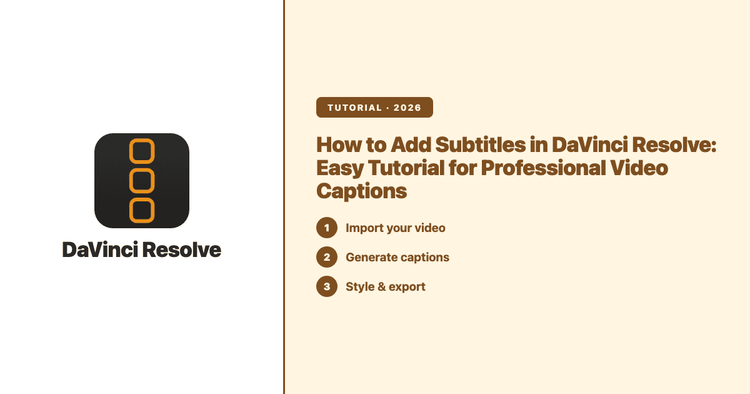
Easily add subtitles in DaVinci Resolve with this guide. Discover automatic and manual subtitle methods, import tips, and best practices for professional video captions.
ASR — automatic speech recognition — is the technology that turns spoken audio into text. This is a plain-English explainer: what ASR is, how the pipeline actually works, the factors that make one recording transcribe cleanly and another come back full of errors, and how ASR compares to human transcription. Written by someone who runs a transcription tool, with every technical claim sourced to public documentation.
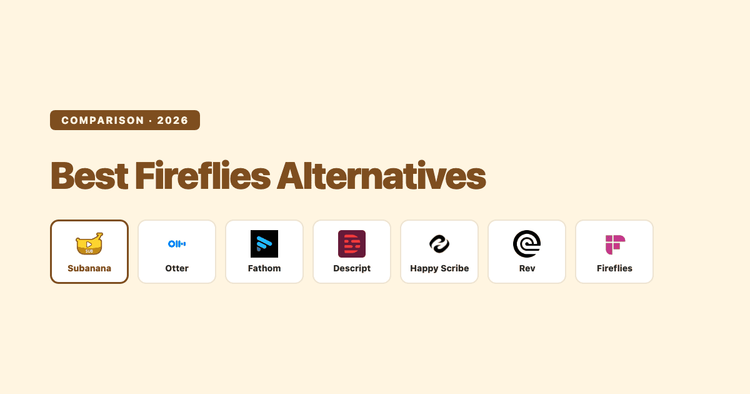
A documentation-based roundup of Fireflies.ai alternatives — Otter, Fathom, Descript, Happy Scribe, Rev, and Subanana. When Fireflies is still right, which alternative wins for which buyer, and what the trade-offs are.
Tactiq is a Chrome-extension transcription tool focused on Google Meet, Zoom, and Microsoft Teams. This compares Tactiq and Subanana on pricing, language support, integrations, and AI summary — based on each tool's published documentation.
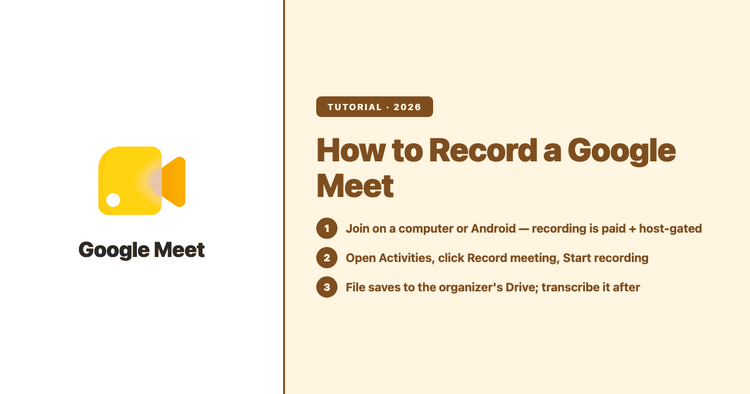
To record a Google Meet, you need an eligible paid Google Workspace edition (or a Google One plan with 2 TB+ storage), you have to be on a computer or Android device, and you must either be the host or have the host's permission — there is no recording on a free personal Google account. This guide covers exactly who can hit Record, where the file lands, and how to turn that recording into a searchable, multilingual transcript and AI summary afterward. This guide shows the Subanana path at the end, but most of this is just how Google Meet itself works.
After an interview you have an hour or two of audio, but what you actually need is a transcript that shows who said what and can be quoted directly. This guide compares manual transcription, free auto-caption tools, and AI transcription, then shows how to use Subanana's transcript mode to produce a speaker-labelled, punctuated, paragraphed interview transcript.
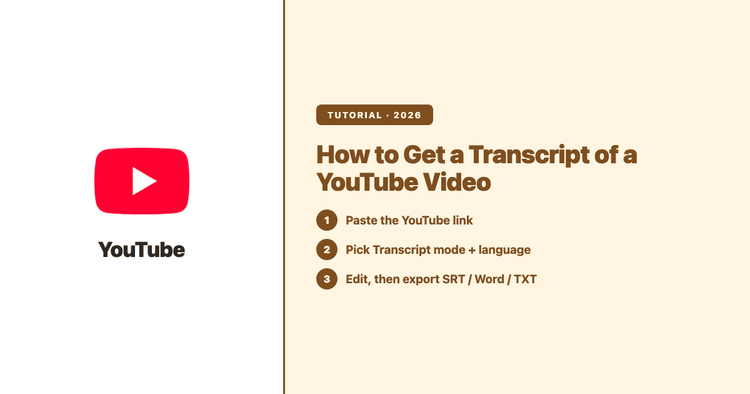
Two ways to get a YouTube video transcript — the built-in Show transcript panel, and pasting the link into an AI transcription tool. Here is how each works, how accurate they are, which languages and export formats you get, and when to use which.
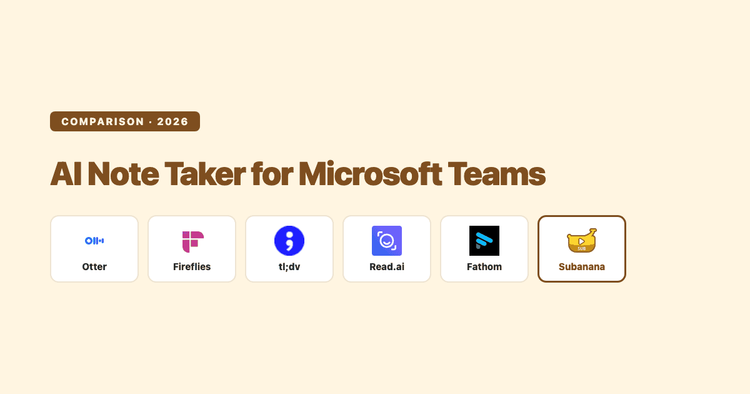
A documentation-based roundup of the best AI note takers for Microsoft Teams in 2026 — bot vs bot-free capture, free tiers, language coverage, and which one fits your meetings.
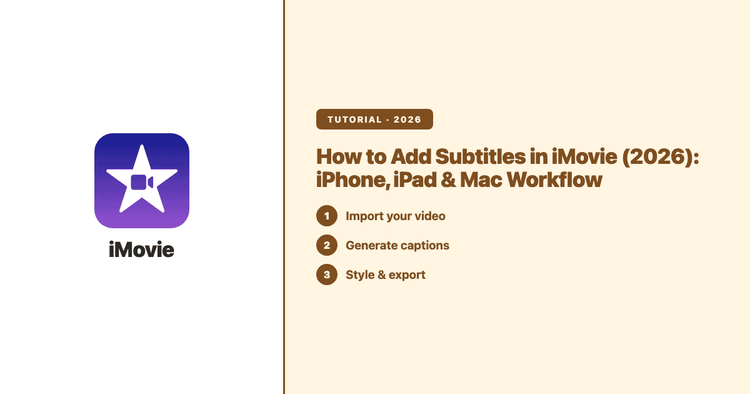
No — iMovie has no automatic captions. Apple's free editor offers no speech-to-text and no subtitle-file import, so every iMovie subtitle is typed by hand as a Title overlay. This guide covers the manual method on iPhone, iPad and Mac, and the faster SRT route for longer or multilingual video.